
How to Turn Every Listing Into a Google Ranking Page (and Why It Changes Everything)
Lewis Cowan
The Bee Seen Company
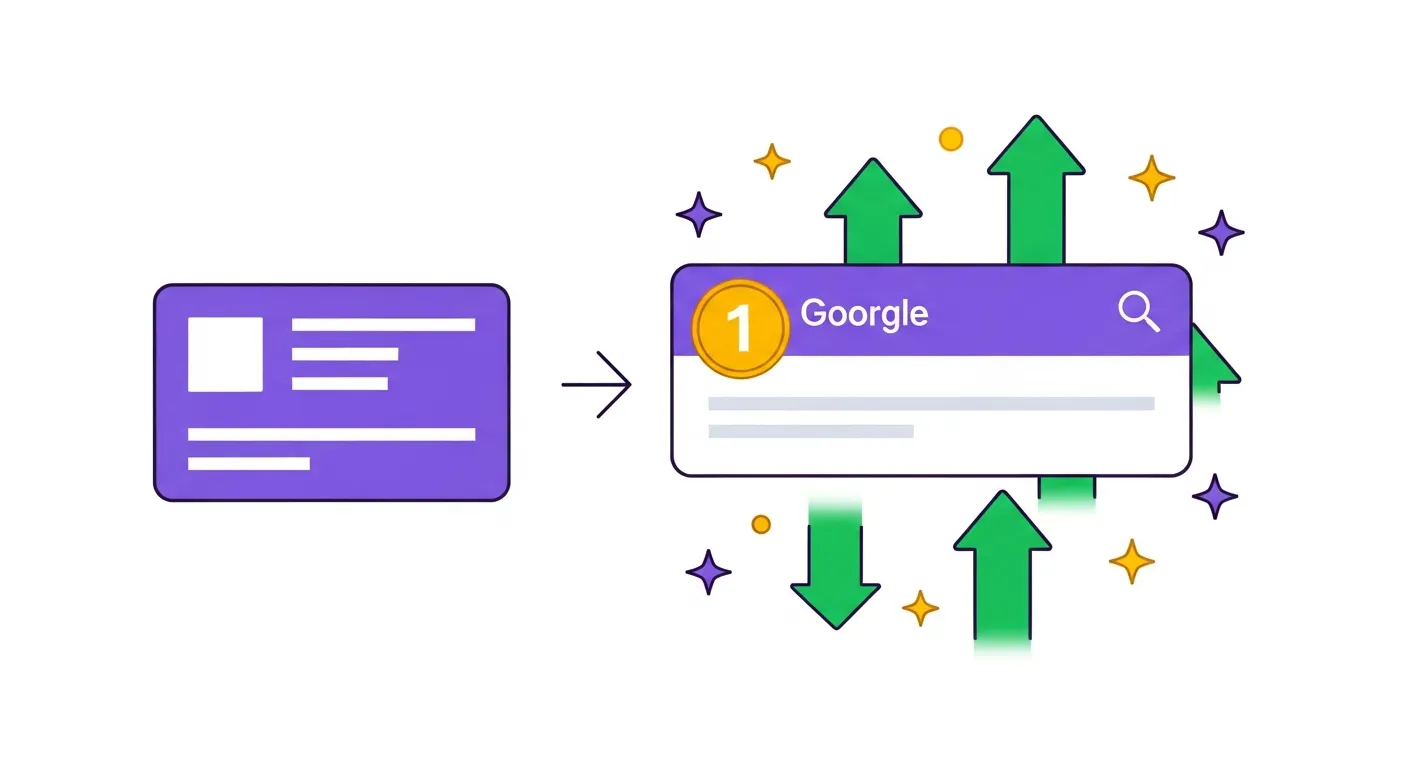
How to Turn Every Listing Into a Google Ranking Page (and Why It Changes Everything)
Imagine running a wee corner shop, and you've only got one door. Everyone - whether they’re after milk, a pick-n-mix, or a cheeky sausage roll - has to come through that same door. Hard to manage, aye? Now imagine you've got a door for every product, category, and location. You're basically opening a Tesco's Express empire overnight. That’s the gist of what we're talking about here - turning every listing, location, and category into its own Google-ranking page.
It’s a game-changer for small business, especially if you’re just depending on one homepage to do all your heavy lifting on Google. Spoiler: your homepage is knackered trying to rank for every search term under the sun.
So, let’s dive into why this strategy is brilliant and more importantly, how you can make it work for your business. Don’t worry, you don’t need to be a tech wizard - I promise.
The Big Why: Stop Putting All Your Eggs in One Homepage Basket
Here’s the problem with most small business websites: the homepage is trying to do everything. It’s supposed to rank for ""Plumber in Glasgow,"" ""Emergency Boiler Repair in Glasgow,"" ""Leaky Tap Specialist in Paisley""… you get the idea. It’s like asking one pair of wellies to fix a flood.
The Old Way: Only the Homepage Matters
For years, folk would sprinkle some location keywords on the homepage and hope for the best. But here’s the deal:
- Your homepage can’t possibly be relevant for every search term AND every location.
- Different services (or products) need different signals to rank well on Google.
- If you’re just using one page, you’re competing for a very narrow slice of the search pie.
And here’s the kicker: Google's 2025 updates mean they care more about hyperlocal searches and user engagement. So, if someone in Camden is searching for ""Best Italian Restaurant near me,"" Google will prioritise pages directly related to Camden over generic city-wide results like ""Italian Restaurant in London.""
The New Way: Every Listing is its Own SEO Page
What if, instead of betting everything on your homepage, you had dozens - or even hundreds - of pages working for you?
- Each location: Have individual landing pages optimised for local searches.
- Each category/service: The specific service (or product line) gets its own page.
- Each directory listing: Treated as a tool to boost your online visibility.
Instead of one lonely page trying to rank for everything, you’ve got an army of little SEO soldiers working together. It’s like being the Swiss Army knife of online search - a tool for every job.
How It Works: The SEO Toolkit for Turning Listings into Ranking Machines
Here’s how you get started, step-by-step. And remember, you don’t need to know HTML or have a computer science degree.
1. Create Location-Specific Landing Pages
This is the cornerstone of the strategy. If you serve different areas, you need a dedicated page for each one.
What to Include:
- Local keywords: Don’t overthink it. If you’re a gardener in Dundee, your page is optimised around ""Garden Maintenance Dundee"" or ""Professional Gardener Dundee.""
- NAP (Name, Address, Phone number): Consistent across every page and every platform. That means identical format everywhere - no swapping ""Rd"" for ""Road.""
- Local photos: People love to see what they’re paying for. Upload real photos of jobs you’ve done in the area or your products in action. Bonus points if they’re geotagged.
Results:
When someone in that area searches for your service, they’ll find your location page, which is designed to meet the search. Not your homepage that’s trying (and failing) to do everything.
2. Turn Every Service into its Own SEO Page
Here’s another common mistake: bundling all your services together onto one page titled ""What We Do."" It’s lazy, and Google doesn’t like lazy. Instead, create separate pages for each service.
Example for a Cleaner:
- ""Domestic Cleaning Edinburgh""
- ""End of Tenancy Cleaning Edinburgh""
- ""Carpet Cleaning Edinburgh""
Why does this work? Each page targets a specific search query. Plus, when potential customers see a landing page dedicated to their EXACT need, they’re way more likely to trust you.
3. Maximise Your Google Business Profile (GBP)
If you’ve not claimed your Google Business Profile, stop everything and do it now. Seriously, there’s 11% of UK businesses leaving this untouched. That’s like finding an envelope stuffed with fivers on the pavement and walking past it.
How to Optimise Your GBP:
- Categories are king: Your primary category is THE most powerful ranking factor. Make sure it’s spot on, and add secondary categories for related services. Check what competitors use.
- NAP consistency: Can’t stress this enough. Your business name, address, and phone number need to match across every directory, your website, and your GBP.
- Reviews: Regular reviews are golden. Aim for 4–8 per month per location, and always respond to them. It doesn’t just look good to customers; it’s also a major ""prominence signal"" in Google’s eyes.
4. Get Listed on Directories
For more on building effective listing pages, read the blueprint behind every successful listing site. Directories are like satellite shops in the digital world. And the more your shop shows up (with consistent NAP info!), the more trust signals you send to Google.
Key Directories in the UK:
- Google Business Profile
- Bing Places
- Apple Maps
- Local directories like TrustATrader, Yell, and any regional business directories.
Why It Matters:
Each directory listing acts like its own little advert for your business. Together, they create a network of trust signals that Google uses to decide who ranks in local search.
5. Add Hyperlocal Content
Gone are the days when ""Plumber in South London"" would cut it. Google now prioritises super-specific, neighbourhood-centric content.
Use hyperlocal keywords that reference areas down to the street or neighbourhood level. For example:
- ""Best Pizza in Camden Town by the Lock""
- ""Emergency Roof Repair Specialist G12 Glasgow West End""
Businesses leveraging hyperlocal terms see up to 73% more local enquiries. That’s wild.
Why This Matters: The Revenue Maths
Let’s talk numbers, because at the end of the day, you’re in this to not just survive but thrive. Here’s how the maths checks out:
- You’ve got one homepage. It’s bringing in, say, 10 leads a month.
- You create 5 location landing pages. Each one pulls in 5 leads a month. Now you’ve got 25 leads.
- Add individual service pages and build your directory listings. Your total online visibility explodes. Suddenly, you’re looking at 60–80 leads a month.
If your average sale is £300, those extra 50 leads = £15,000 extra revenue a month.
Common Mistakes to Avoid
- Not creating enough pages: One page for all your services or locations won’t cut it. You need multiple, laser-focused pages.
- Inconsistent NAP details: This can tank your rankings. Keep it consistent everywhere.
- Ignoring directories: Google uses these listings to validate your business. Neglecting them is like NOT showing up to your own party.
- Review stuffing instead of review pacing: Don’t try to cram 20 reviews in one week and then go quiet. Stay consistent with 4–8 reviews per month.
Simple Action Plan to Get Started This Week
- Audit your current website and GBP to spot gaps. Are all your services and locations covered?
- Create one new location-specific landing page for a key area you serve.
- Claim your Google Business Profile (seriously) and optimise it.
- Set up a basic review request system. Email or text every customer asking for a quick Google review.
- Start listing your business in local directories. Do one or two a day if you’re busy.
Final Thoughts
This strategy works because it plays to Google’s strengths - relevance, proximity, and prominence. You’re giving Google exactly what it wants: pages, listings, and profiles that are hyper-focused, well-optimised, and packed with user-friendly info. And the best bit? You don’t need to break the bank to get started.
If you start treating every listing and location as its own traffic source, you’ll stop relying on your poor, overworked homepage and start seeing serious results.
Now, get cracking! And as always, if you’re feeling lost, drop us a line at The Bee Seen Company. We’re here to help.
Cheers,
Lewis